How to Get More Google Reviews: 12 Ways That Work in 2026
 By the RepuTap teamUpdated 6 min read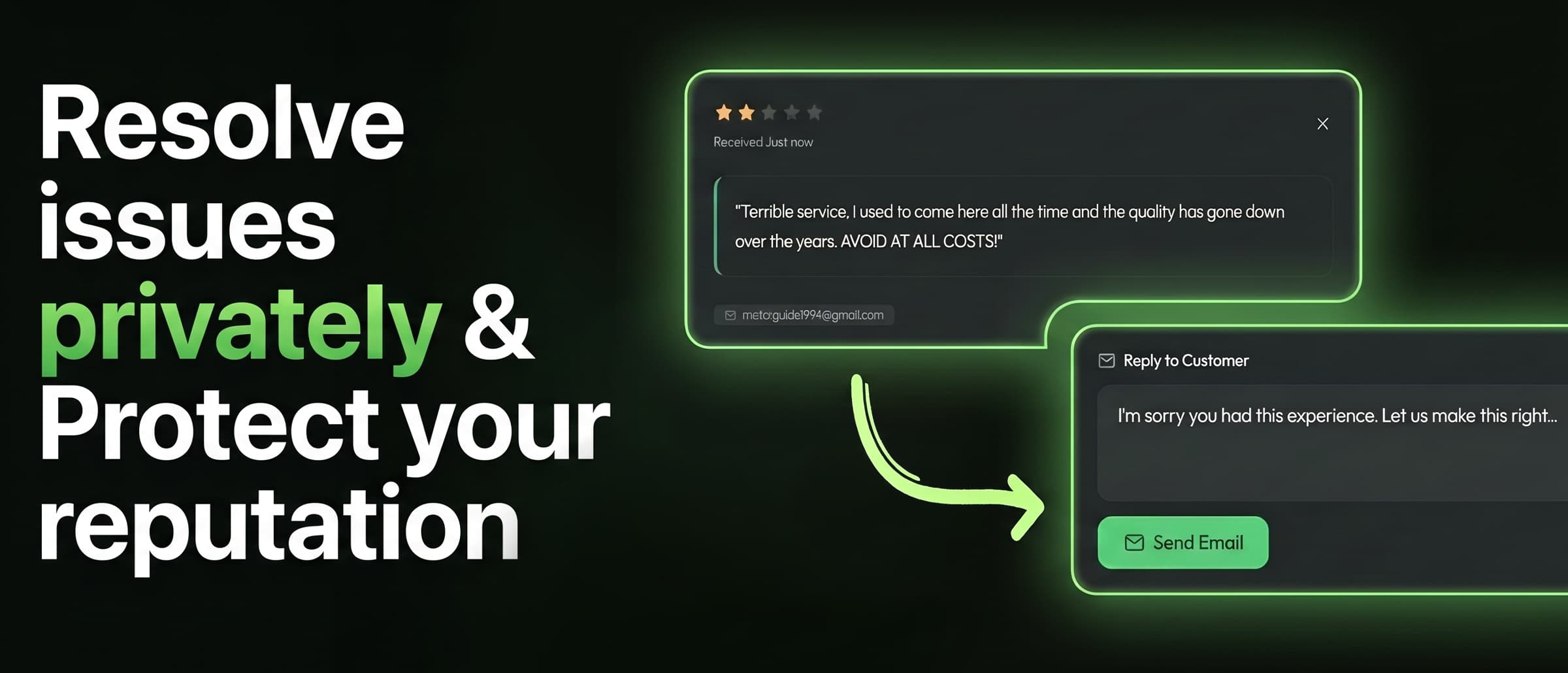
On this page
The short answer
- Ask every customer, in person, at the moment they're happiest. For most businesses that's right after the service is delivered, not days later by email.
- Cut the steps. A direct review link or a tap-to-review stand takes customers straight to your review form instead of making them search for you on Maps.
- Reply to every review, good and bad, within a day or two. Google says helpful replies help your business stand out.
- Never pay for reviews, offer discounts for them, pressure people on-site, or only ask the customers you think are happy. All of these break Google's rules.
Why Google reviews matter
When someone searches “coffee near me” or “dentist in Austin,” Google shows a map with a handful of businesses, each with a star rating and a review count. That’s where most customers decide, and Google says “more reviews and positive ratings can help your business’s local ranking.”
Customers look at three things:
- Your rating. 4.2 vs. 4.7 is the difference between “maybe” and “let’s go.”
- Your review count. A 4.7 from 400 reviews beats a 4.9 from 11.
- How recent they are. If your newest review is from last spring, people wonder if you’re still open.
All three improve the same way: a steady flow of reviews from ordinary, happy customers.
Why happy customers don’t leave reviews
Unhappy customers go looking for your listing. Happy ones walk out smiling and forget. Usually it’s because:
- Nobody asked. By far the biggest reason.
- They were asked too late, by an email days after the visit.
- It took too many steps: open Maps, search, find the right location, scroll, tap “Write a review.”
Every tip below fixes one of those three problems.
12 ways to get more Google reviews
1. Get your direct review link
This link takes customers straight to your review form, with no searching.
Open your Business Profile
Sign in to the Google account that manages your business and search your business name.
Copy the link
Choose Ask for reviews (or Get more reviews) and copy the short link.
Test it
Open it on your phone. It should land on your review form with the stars ready to tap.
2. Ask in person, at the peak moment
Ask right after something good happens: the haircut reveal, the car handed back, the check after a great meal. An in-person ask then beats any email sent later.
3. Make it one step
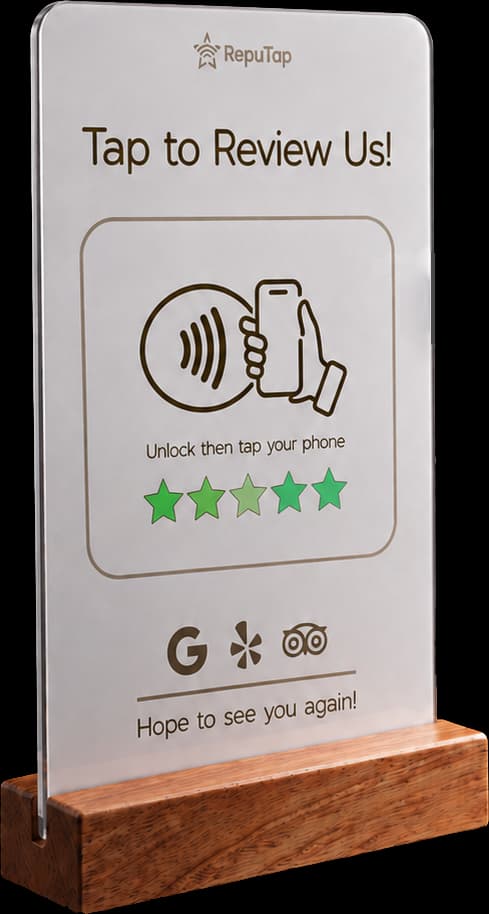
A tap-to-review stand turns “I’ll do it later” into a review written on the spot. The customer holds their phone to the stand and your review page opens. No app, no camera, no searching. See how tap-to-review stands work.
4. Put it where phones are already out
The checkout counter is the best spot for most businesses, since customers are already holding their phone to pay. Tables, reception desks and pickup counters work too.
5. Give staff one sentence to say
Most staff don’t ask because they don’t know what to say. Give them one simple line, like “a quick tap here helps us a lot,” and keep it an invitation, never pressure.
6. Follow up the same day
If you have contact details, send one short text or email with your review link the same day. One follow-up is plenty.
7. Add your link everywhere
Receipts, booking confirmations, invoices, your email signature and your website footer.
8. Reply to every review
People review more when they can see the owner reads them. We have templates for positive and negative reviews.
9. Fix problems before customers leave
Most bad reviews come from a problem nobody heard about in time. Give customers a quick way to tell you privately. More in how to prevent bad reviews.
10. Show off your reviews
Share great reviews on social media and your website. Seeing reviews makes people leave them.
11. Keep your profile accurate
Correct hours, photos and categories, and no duplicate listings. Multi-location businesses need a separate review link for each location.
12. Track it monthly
Check new reviews per month, your average rating that month, and how many you replied to. When you change something, you’ll see if it worked.
How RepuTap helps
RepuTap handles tips 2, 3, 4, 9 and 12 for you with one stand on your counter:
- One tap to review. Customers tap their phone and your branded review page opens in about a second.
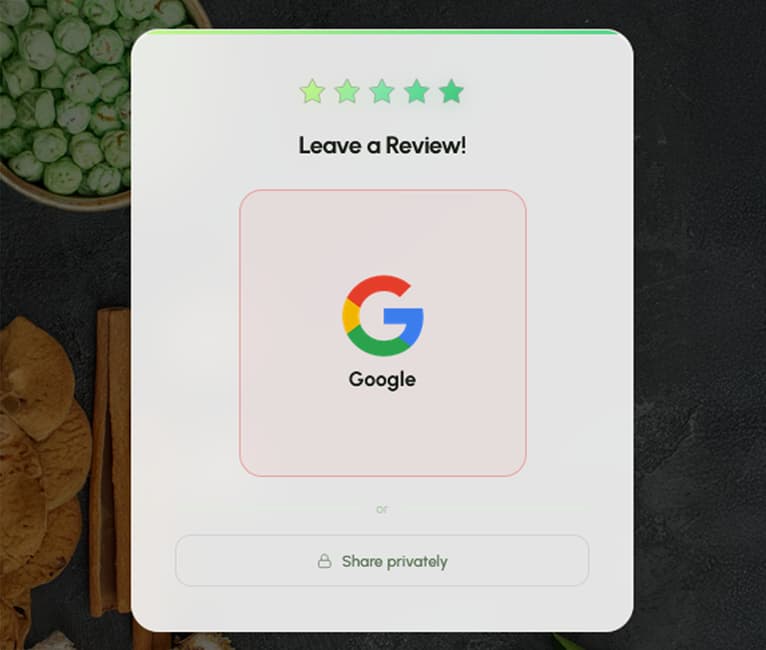
- Google, Yelp or TripAdvisor. Customers pick where to post, whatever their rating.
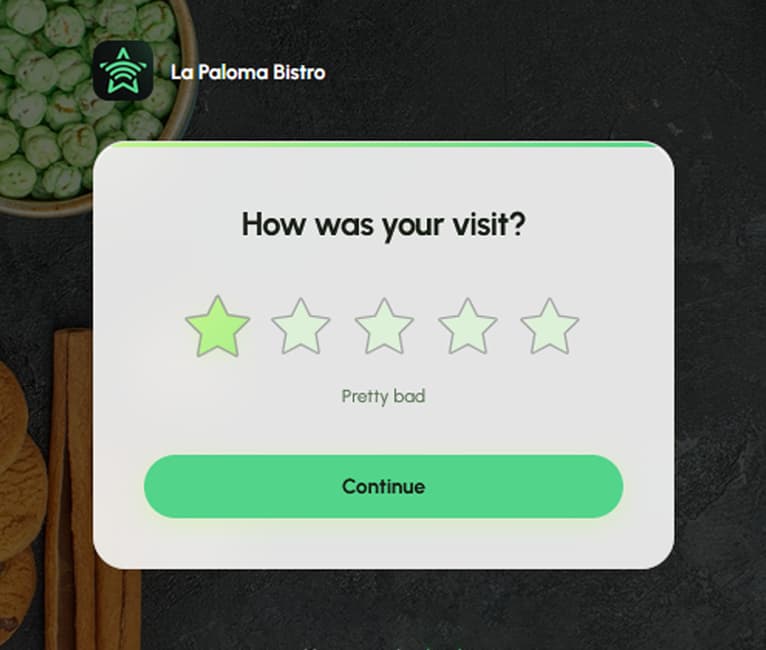
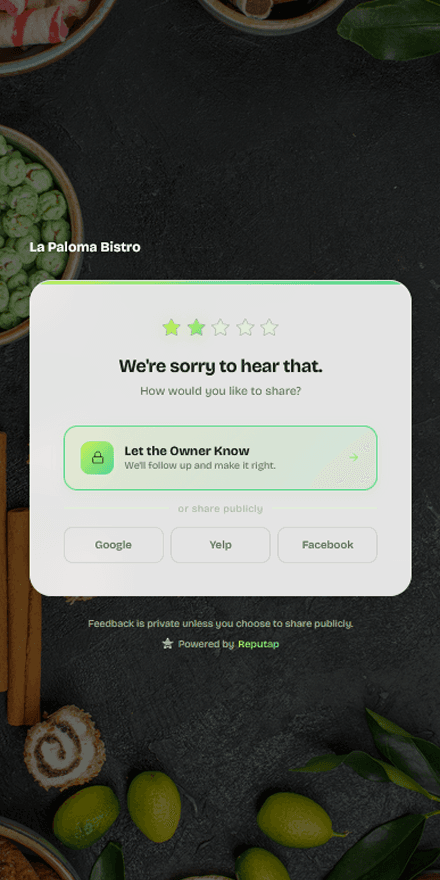
- Problems come to you first. Unhappy customers also get a private “Let the Owner Know” option, and you get an instant alert.
- Everything in one dashboard. Every rating, comment and trend in one place.
What not to do
Google allows you to ask for honest reviews. Its review policy doesn’t allow:
- Discounts, freebies or payment in exchange for a review.
- Only asking customers you think are happy.
- Pressuring customers to review while they’re on-site.
- Review quotas for staff, or asking customers to name an employee.
Ask everyone the same way, and make it easy. That’s what works long term anyway.
How many reviews do you need?
Search your main keyword (like “nail salon near me”) and note the review counts of the top three businesses on the map. Aim to match them within six to twelve months, with newer reviews than theirs. A steady pace every month beats one big push.
Frequently asked questions
How do I get a link that sends customers straight to my Google review form?
Sign in to your Google Business Profile (search your business name on Google while signed in), choose 'Ask for reviews' or 'Get more reviews', and copy the short link Google gives you. Anyone who opens it lands on the review form for your business with the stars ready to tap.
Can I offer a discount or freebie in exchange for a Google review?
No. Google's policy prohibits offering incentives such as payment, discounts, or free goods or services in exchange for posting any review, even if you don't ask for a positive one. Reviews tied to incentives can be removed.
Is it OK to only ask customers who seem happy?
No. Google specifically prohibits selectively soliciting positive reviews from customers. The safe approach is to invite everyone the same way, for example with a stand on the counter that every customer can use.
Do customers need a Google account to leave a review?
Yes. Customers must be signed in to a Google account to post a review. Most Android users and many iPhone users already are, which is one reason a direct review link works so well: signed-in customers go straight to the stars.
How long does it take for a new Google review to show up?
Most reviews appear within minutes. Some are held back while Google's systems check them, which can take longer. If a genuine review never appears, it was most likely caught by Google's spam filters.
How many Google reviews does my business need?
There's no fixed number. Look at the top three businesses in the Google map results for your main search term and aim to match their review count and beat how recent their reviews are. A steady flow of new reviews every week matters more than a single big push.

RepuTap makes the RepuTap Stand, RepuTap Cards and feedback software for restaurants, salons, clinics, hotels, gyms and shops across the US. We write these guides from what we see working for the 80+ businesses that use RepuTap every day.
Keep reading
 Getting reviews
What is an NFC review stand?
How NFC review stands work, which iPhones and Android phones support them, where to put one, and how to fix a stand that won't scan. Plain-English guide.
 Feedback & replies
How to prevent bad reviews
Most bad reviews start as a problem nobody heard about. How to catch unhappy customers before they leave, fix it fast, and stay within Google's rules.
- Feedback & replies
How to respond to negative reviews
A simple five-step formula for replying to bad reviews, real response examples, the mistakes that make it worse, and what to do about fake reviews.