What Is an NFC Review Stand? How “Tap to Review” Works on iPhone and Android
 By the RepuTap teamUpdated 4 min read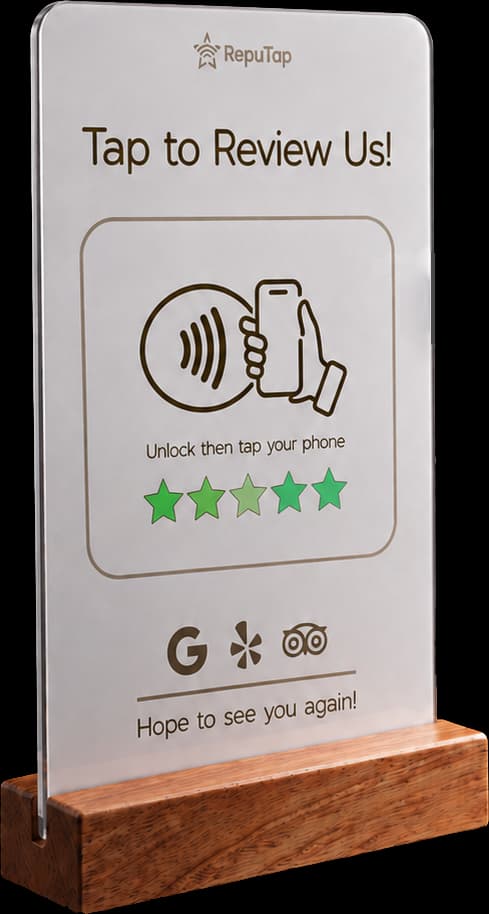
On this page
The short answer
- An NFC review stand has a small chip inside that stores a web link. When a customer holds an unlocked phone near it, the phone opens that link.
- It works with every iPhone from the XR/XS onward without any app, and with nearly all Android phones that have NFC turned on.
- The chip has no battery and needs no Wi-Fi. It's powered by the phone for the split second it's being read.
- Put it where customers already are when they're happiest: the checkout counter, the table, the front desk. Keep it off metal surfaces.
What an NFC review stand is
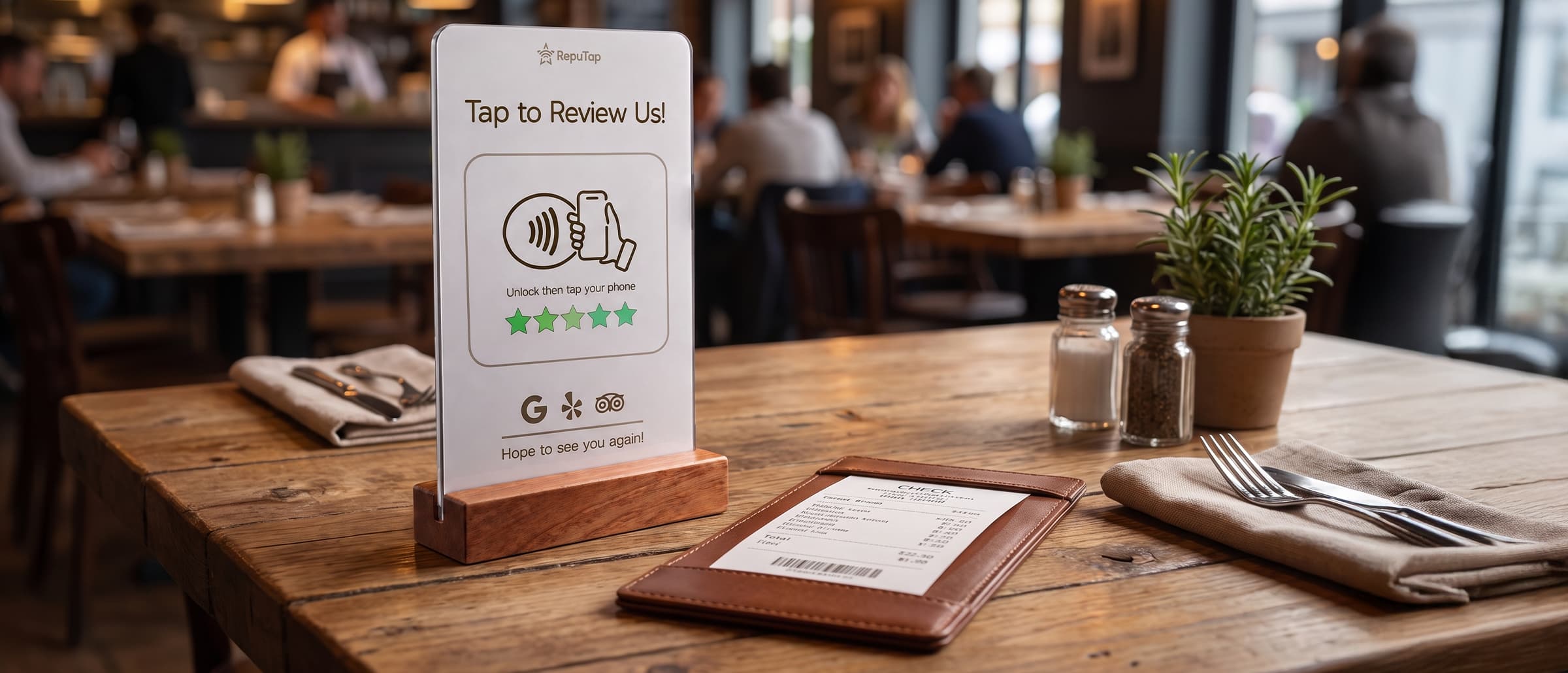
An NFC review stand is a small sign with a chip inside that stores a link. When a customer holds their unlocked phone near it, the phone opens that link: your review page. It’s the same technology as tapping a card to pay, but the stand only hands the phone a link. It doesn’t read anything from the phone.
- No battery. The phone powers the chip for the split second it’s read.
- No Wi-Fi. The customer’s phone loads the page on its own connection.
- No app. Reading NFC links is built into iPhone and Android.
For the customer, it’s two steps: unlock the phone, hold it to the stand. That’s why stands get far more reviews than a sign saying “find us on Google.”
Does it work on iPhone and Android?
Yes, on almost every phone your customers carry.
| Phone | How to tap |
|---|---|
| iPhone XR, XS and newer | Hold the top edge near the stand, then tap the notification. |
| iPhone 7, 8 and X | Open Control Center, tap NFC Tag Reader, then hold the phone to the stand. |
| Android | Hold the middle of the back to the stand. NFC is on by default on most phones. |
If a tap doesn’t work, it’s almost always the wrong part of the phone. A quick “hold the top of your phone right here” from staff fixes it.
Where to put it
Put it where customers are at the end of a good experience, within arm’s reach:
- Checkout counter: the best spot for most businesses, since phones are already out.
- Tables, host stand and bar in restaurants.
- Front desk in hotels, clinics, dental offices, med spas and gyms.
- Stations in salons and barbershops, right after the reveal.
Keep it off bare metal surfaces and a few inches from the card reader. Metal interferes with NFC.
How RepuTap helps
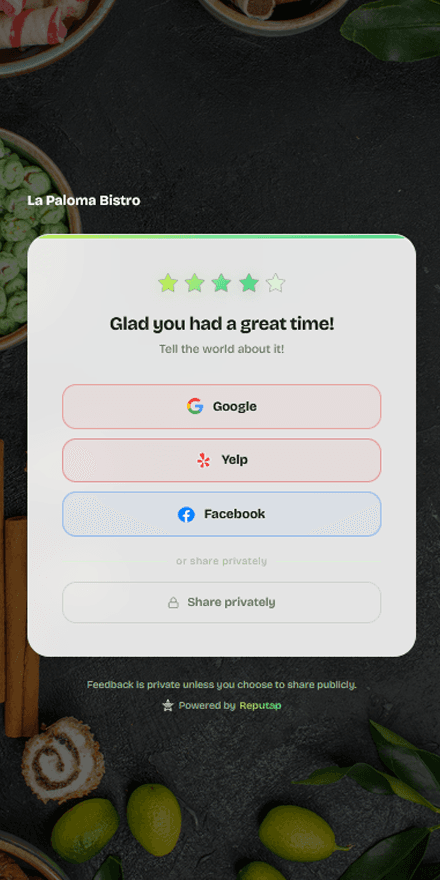
A basic stand links straight to Google and that’s it. A RepuTap stand opens a short page first, which does a lot more:
- Customers pick where to review: Google, Yelp, Facebook or TripAdvisor.
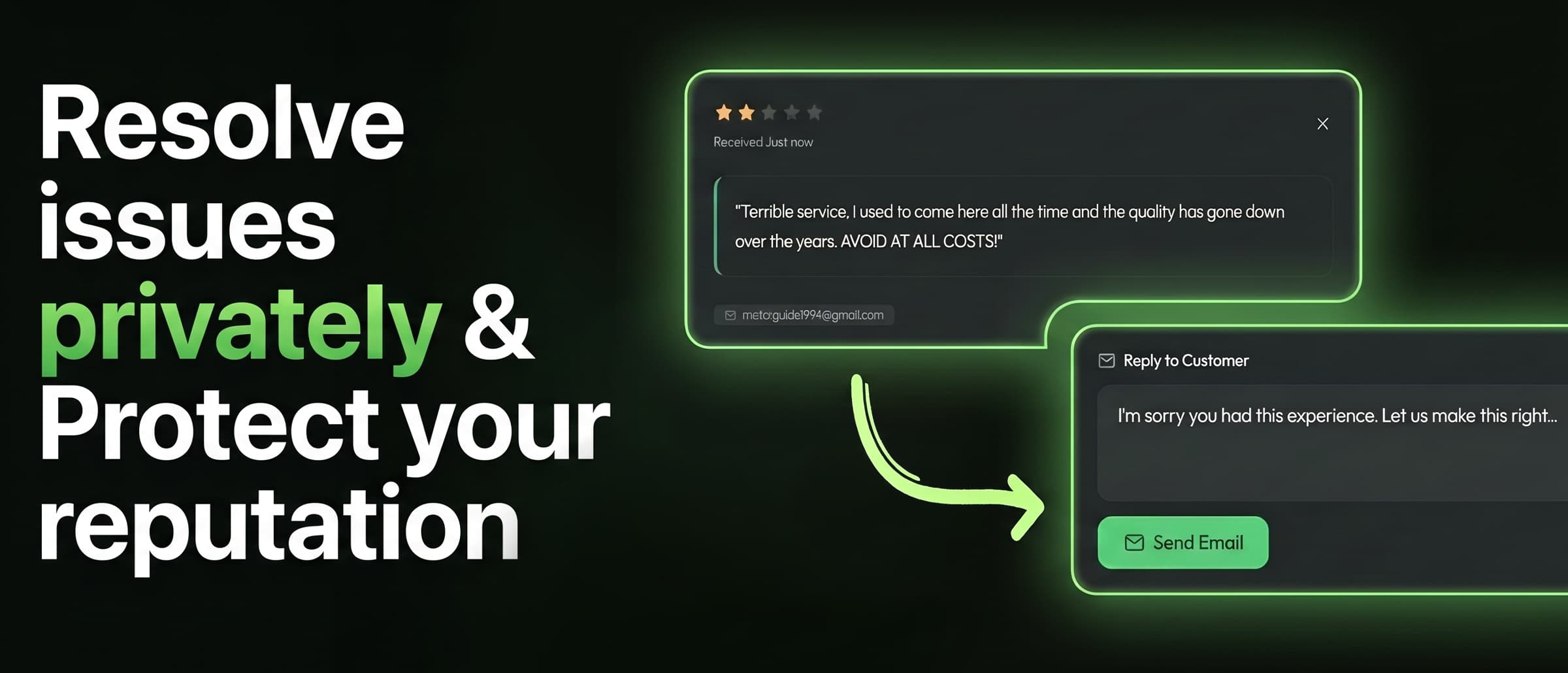
- Unhappy customers can reach you privately with “Let the Owner Know,” and you get an instant alert. The public options stay visible for everyone.
- Change it anytime from your dashboard, with no reprogramming.
- Your branding on the page (Pro plan), plus every rating and comment in one dashboard.
Still deciding between tap and scan? Read NFC vs. QR codes for reviews.
Frequently asked questions
Do NFC review stands work on iPhone?
Yes. The iPhone XR, XS and every newer iPhone read NFC tags automatically when the screen is unlocked; the customer holds the top of the phone near the stand and taps the notification that appears. The iPhone 7, 8 and X can read tags using the NFC Tag Reader button in Control Center.
Do customers need to download an app?
No. Reading NFC links is built into iPhone and Android. The link opens in the phone's normal web browser.
Can an NFC stand read or steal information from a customer's phone?
No. A review stand's chip only holds a web link. The phone reads the link from the chip, not the other way around, and nothing on the phone is shared with the stand.
Does an NFC review stand need batteries, power or Wi-Fi?
No. The chip is powered by the phone's own NFC field during the tap. The customer's phone uses its own data or Wi-Fi to open the page.
Why won't my phone read the stand?
Check that the screen is unlocked, that NFC is turned on (Android), and that you're holding the right part of the phone to the stand: the top edge on an iPhone, the middle of the back on most Android phones. Thick cases, metal cases and magnetic wallets can block the signal.
Can I change where the stand sends people without buying a new one?
With RepuTap, yes. The stand opens your RepuTap page, and you choose from your dashboard which review sites customers see, so you never need to reprogram or replace the stand.

RepuTap makes the RepuTap Stand, RepuTap Cards and feedback software for restaurants, salons, clinics, hotels, gyms and shops across the US. We write these guides from what we see working for the 80+ businesses that use RepuTap every day.
Keep reading
 Getting reviews
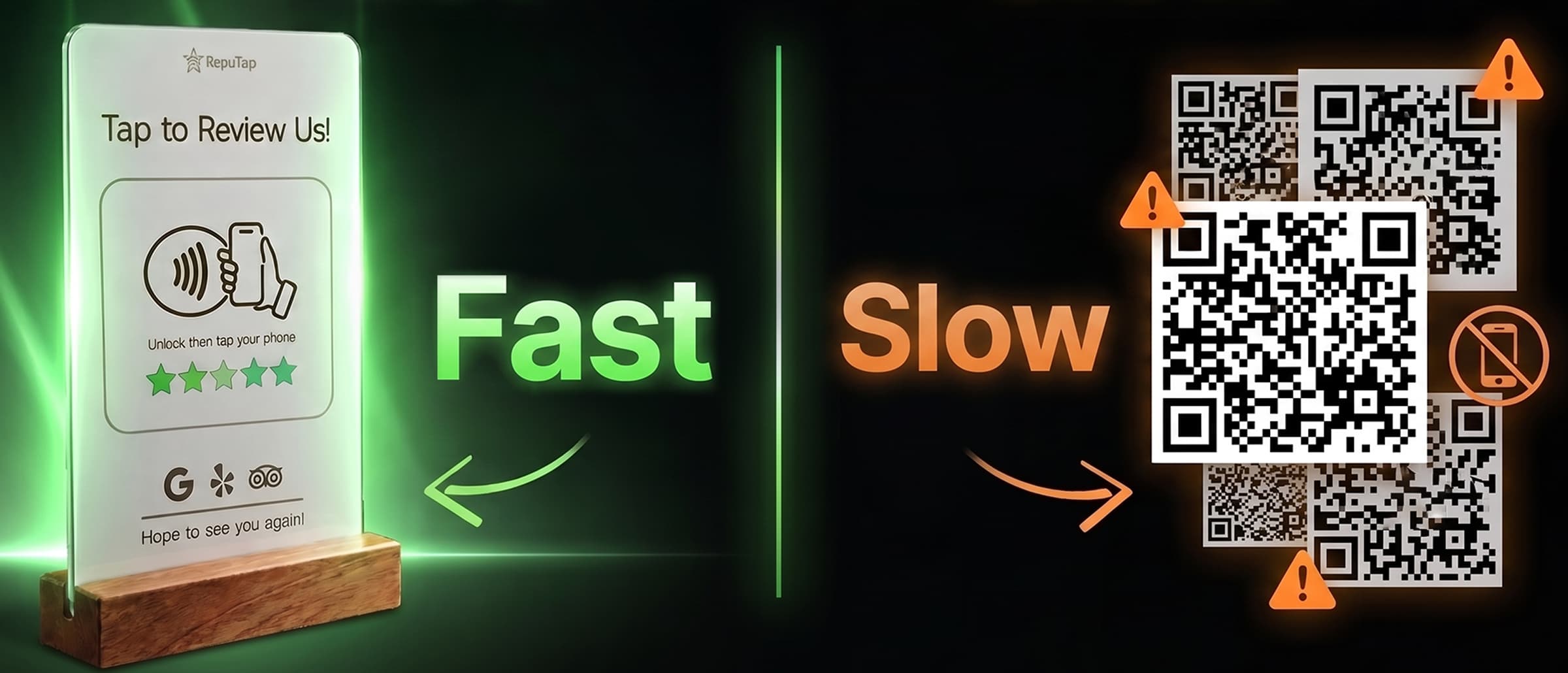
NFC vs. QR codes for reviews
NFC tap stands and QR codes both open your review page. We compare steps, speed, low-light use, phone support, cost and scam risk, and where each one wins.
 Getting reviews
How to get more Google reviews
A practical guide for local businesses: when to ask, how to make reviewing take seconds, and the Google rules you can't break.
 By industry
Google reviews for restaurants
When to ask diners for a review, where to put a tap stand, what servers can and can't say under Google's rules, and how to handle takeout and complaints.